
Shulker Loader
Docks a shulker box and accepts loose items into its inventory through funnels (or similar) from any side. When Auto Eject is enabled and the fullness condition is met, the whole filled box can be extracted from any side.
Crafting
Section titled “Crafting”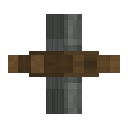 Cogwheel
 Iron Sheet
 Shulker ShellIron Sheet
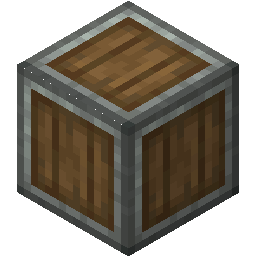 Andesite Casing
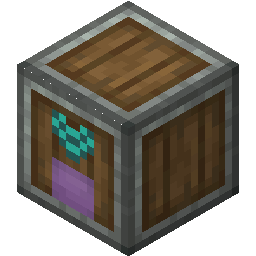 Shulker Loader
Recipe ID: cesg:shulker_loader
How to use
Section titled “How to use”- Place the loader and connect kinetic power to the back.
- Insert a shulker (right-click or funnel).
- Pipe items in with funnels; filters on the station and on the docked box both apply.
- Configure retention / fullness with a wrench or Shift + empty hand.
- Extract the finished box when ready.
- Per-slot extraction of contents is blocked on the capability handler; only whole-box eject exposes the shulker item itself.
- Station filters apply first; a docked box’s Filter Upgrade applies second.
- Ponder scene available in-game.
See Stations Overview for shared retention, fullness, and naming behavior.